Work / Case study · Personal project · In progress
I set the rules.
AI agents write the code.
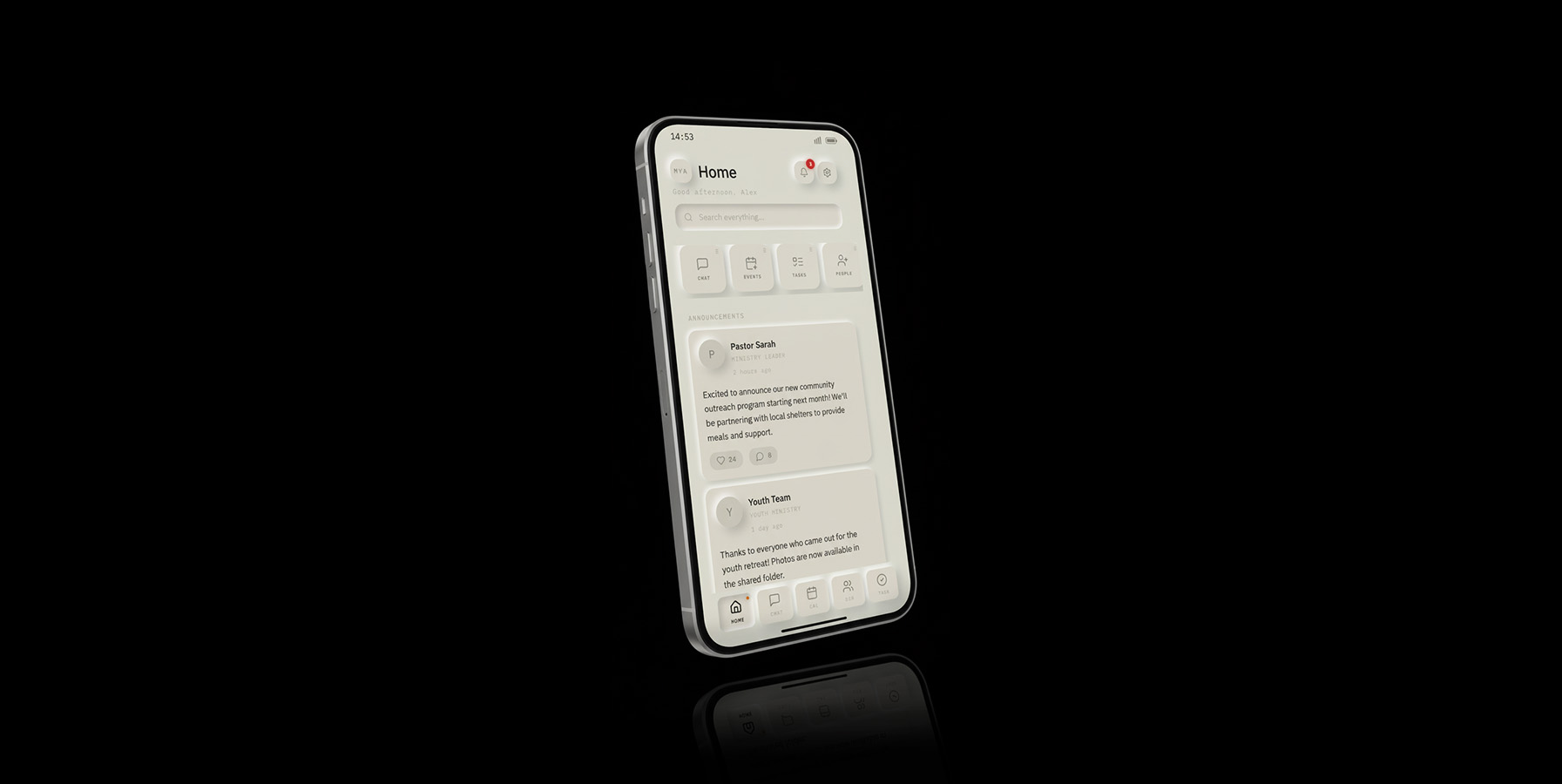
Tether is a community app for churches: an iPhone app for members and a web console for staff. I design it and decide what ships, and AI coding agents implement it. Building it this way has taught me what a designer is for once implementation gets cheap. It's a work in progress, tested with one church and not publicly available yet.
- Role
- Designer and product owner (personal project)
- Built with
- AI coding agents (Claude Code) · React, TypeScript, Postgres, iOS
- Timeline
- April 2026 – present
- In use
- A partner church's staff and members, about 30 people, testing weekly builds
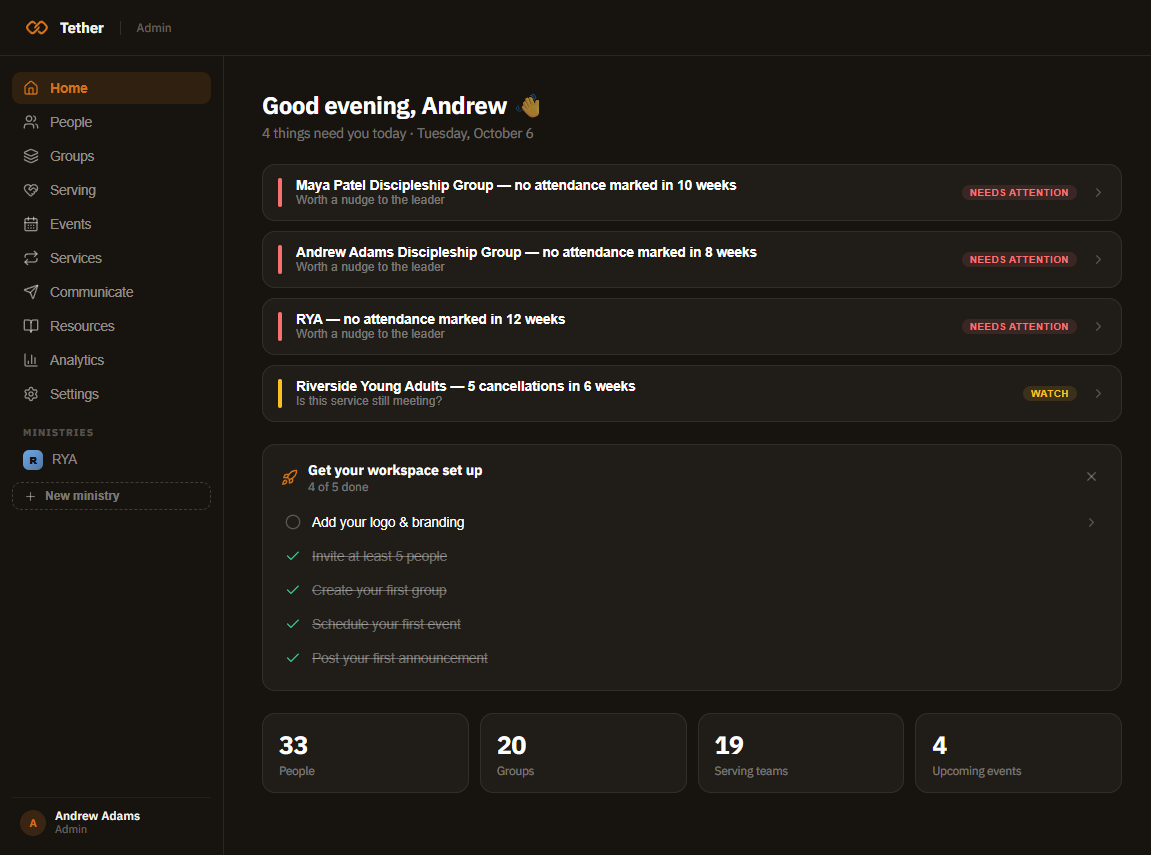
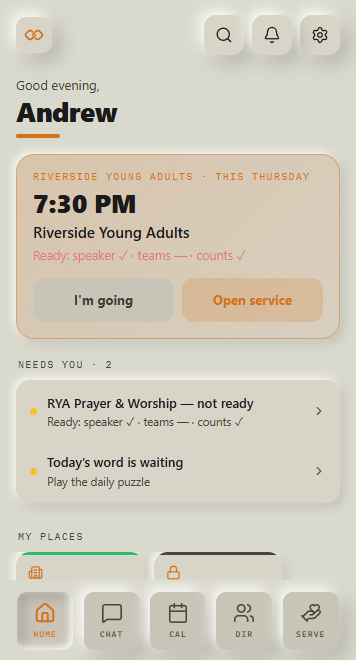
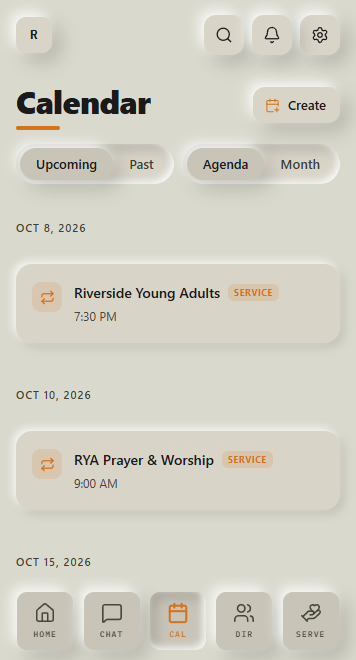
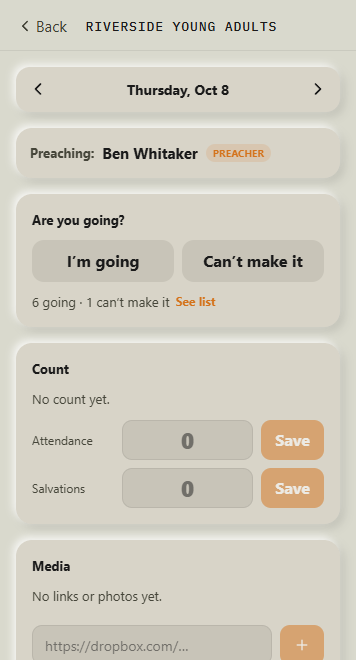
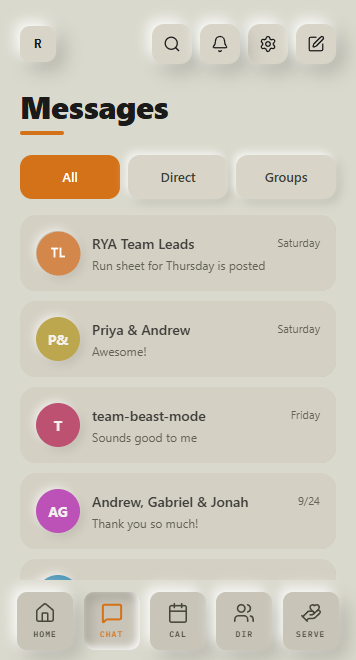
Screens shown with a sample church and sample names. Real members' data is never shown.
The problem
Small churches run on group texts, spreadsheets and a few overworked staff. The software built for them assumes a large staff to configure it, so most of the real coordination (who's serving Sunday, which group meets where, who needs a check-in) happens in someone's head.
The goal I set for Tether was plain: not to replace people, but to give them tools for better conversations.
It started at my own church, where I serve on the young adults team and saw how much of the week ran on group texts and memory.
The working model
I don't write the code. I'm responsible for everything that decides whether the code is right.
- Talking with church staff and reading every piece of feedback
- Product rules: what a ministry is, what a group is, who can see what
- The design system and interaction patterns
- What ships, and what doesn't
- Write the app, console and database code
- Search every copy of a pattern before changing one
- Run the security and permission checks
- Draft release notes and test plans
Design rules become instructions
An agent will happily build the wrong thing well. Each time I corrected one, I wrote the correction down as a rule it reads at the start of every session. That rulebook became the real design system, and much of it is about meaning, not pixels.
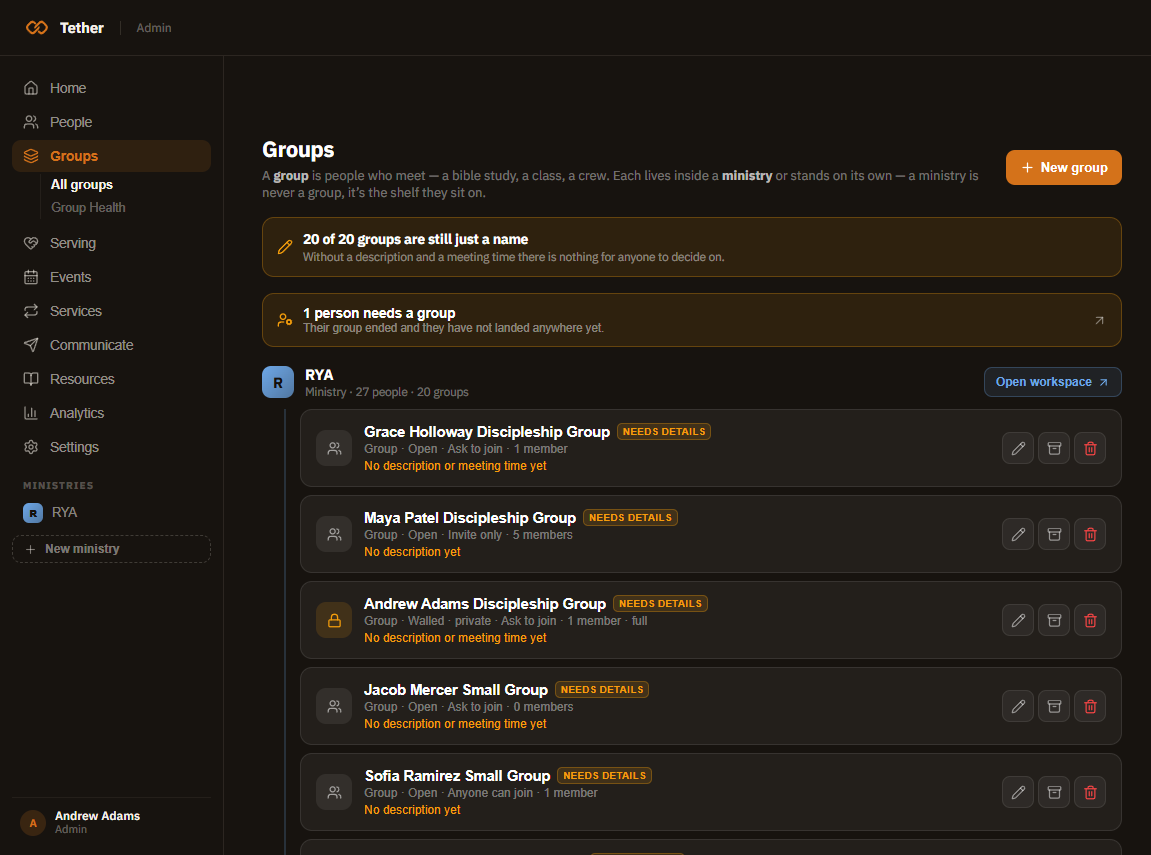
Ministries are the shelf; groups are the rows. A ministry is never listed as a peer of the groups inside it. An early build treated a Bible study as if it were a whole ministry. The rule makes that mistake impossible to repeat.
Two-breath creation. A create form asks for what and when, and three inputs at most. Everything else is added later on the detail page, at the moment it's needed.
Nouns are data. Every church names things its own way (ministry, team, community), so no screen hardcodes those words. Each church's own vocabulary is stored once and used everywhere.
Change it everywhere or just here? Before changing a component, a pattern or a line of copy, the agent searches both apps for every copy and asks me that question. It's design-system governance, applied to a collaborator that never gets tired and never remembers yesterday.
When "all clear" wasn't
Tether runs an automated suite that tries to break its own permissions: can a member read a private group, or message someone they shouldn't? The suite ran against the live system, reported green and cleaned up after itself.
But its test messages had already set off push notifications on real members' phones. Nobody noticed for months, until a member sent a bug report with a screenshot of her lock screen.
A cleanup proves the database is clean. It never proves the outside world is untouched.
The fix went at the boundary rather than in the test: the notification sender now ignores anything marked as a test, so tests nobody has written yet are covered too. The process changed as well. Before running anything against production, ask what leaves the system: pushes, emails, webhooks. None of it can be undone.
Count the audience
A spec said staff could read a group's pastoral notes. It sounds reasonable until you count. At this church, "staff" turned out to be 17 of 31 people.
Agents take words literally, and so do permission systems. Now, before any feature that reaches people, the question isn't "who is this for?" but "how many people is that, by name?" That one habit has caught several changes that would have shown private information to the wrong people.
Designing consequences
Some of the most important design work in Tether isn't on a screen. Deleting an event and cancelling one look like the same action, but they aren't. A delete is quiet and is for mistakes. A cancellation is visible, shows a banner and tells everyone who was coming. They became two separate actions because the consequences for real people are different.
The same thinking runs through notifications, invitations and roles: when the system acts on someone's behalf, the action has to be visible, reversible where possible, and aimed at exactly the right people.
What AI sped up, and what it didn't
- Implementation across two apps and a database
- Refactors that touch every copy of a pattern
- Security and permission tests
- First drafts of copy, release notes and test plans
- Deciding what the product is, and isn't
- Noticing that "staff" means 17 people
- Hearing one member's complaint and seeing the pattern behind it
- Saying no
When building gets cheap, the bottleneck moves to judgment: knowing what's worth building, writing it down precisely enough that an agent gets it right, and checking that it did. That's design work. It's the part of the job I'd want any design team to get better at.
What I'd do differently
Test on real phones sooner. Some of the hardest bugs only appeared on an iPhone and never in a desktop browser, and I found them later than I should have. Now every change gets checked on a phone before anyone at the church sees it.